Ultimate Guide Everything About Putting up a Digital Billboard?

Submitted by topadmin on

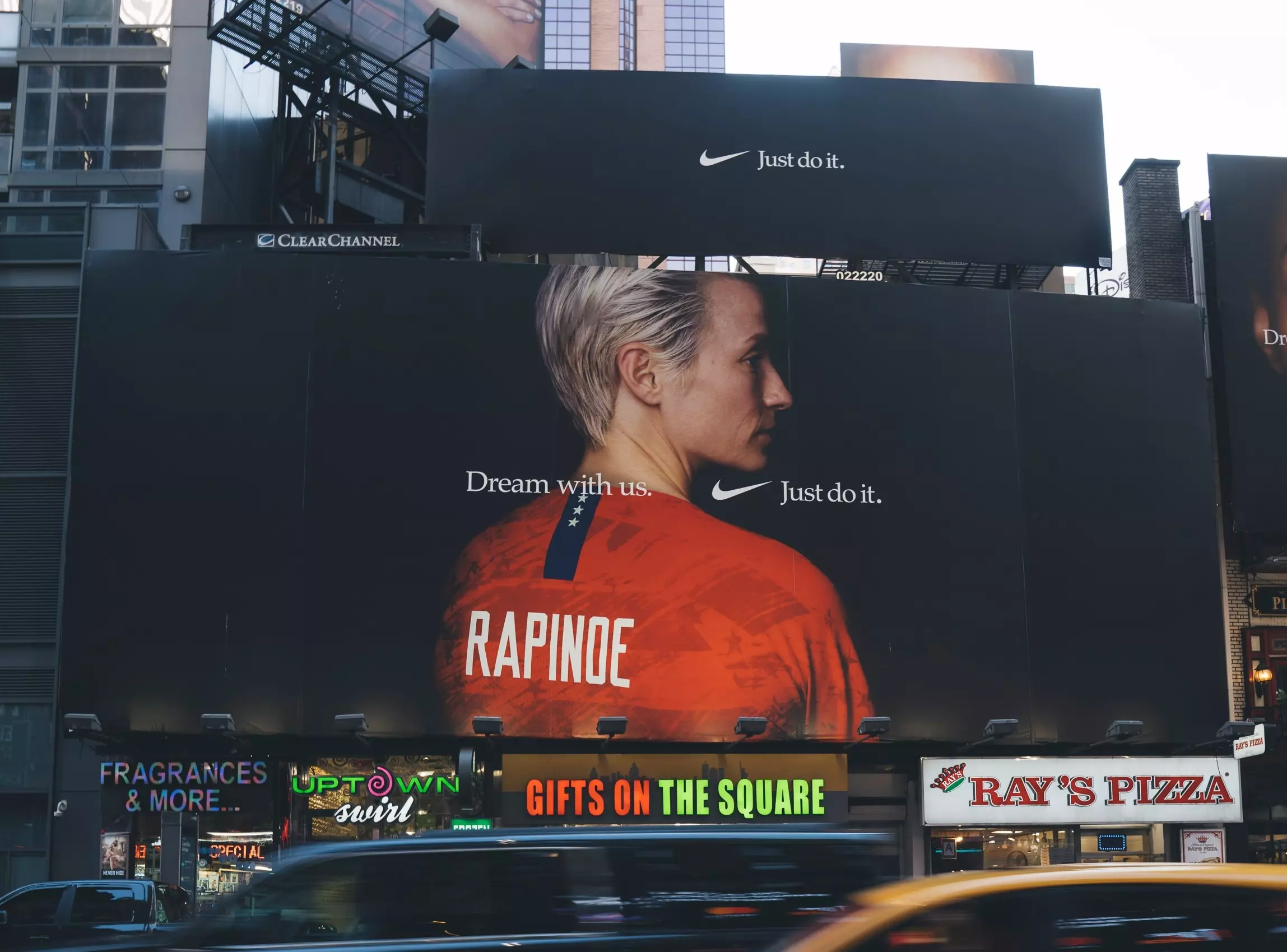
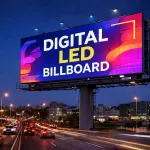
A digital billboard is an outdoor electronic display (LED/LCD) that shows dynamic ads, videos, and real‑time content. Unlike static billboards, it supports instant updates, scheduling, and interactivity.

1.What Is a Digital Billboard?

A digital billboard is an outdoor electronic display (LED/LCD) that shows dynamic ads, videos, and real‑time content. Unlike static billboards, it supports instant updates, scheduling, and interactivity.

Digital vs. Traditional Billboards

Aspect Digital Billboard Traditional Billboard
Content Dynamic (video/animation) Static print
Updates Remote, real‑time Slow, costly reprint
Scheduling Time‑based, targeted Fixed long‑term
Cost High upfront, low ongoing Low upfront, high maintenance
Outdoor LED Display Screens

2.Types of Digital Billboards

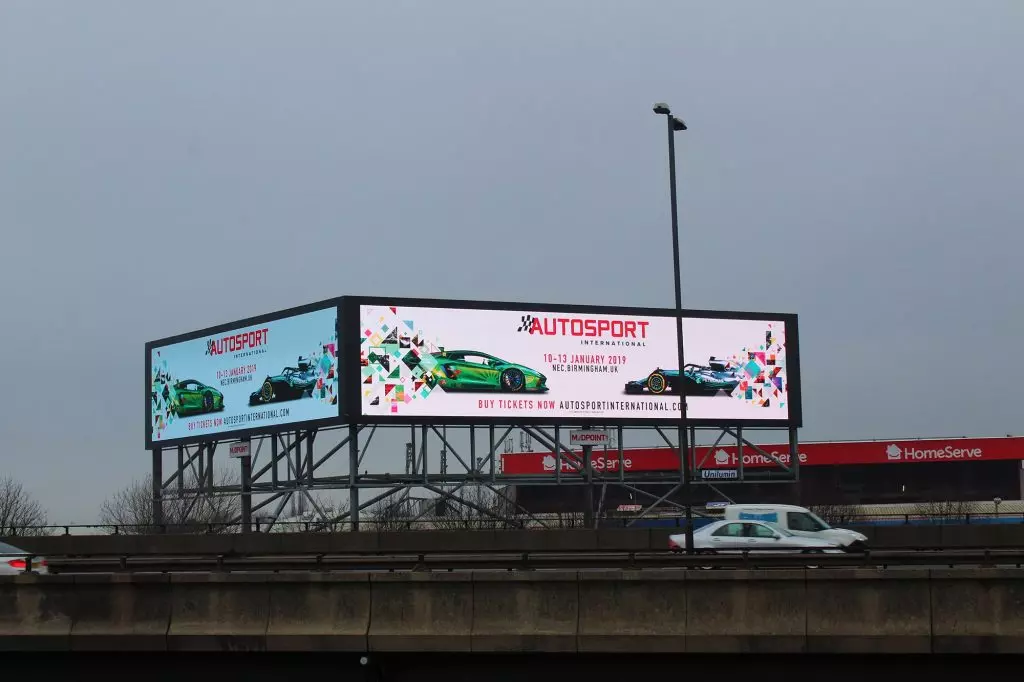
  • Standard LED Billboard: Large, high‑brightness (≥2000 nits) for highways/urban areas; shared rotation slots.
  • 3D Billboard: Uses anamorphic/forced perspective for “pop‑out” visuals; viral impact.
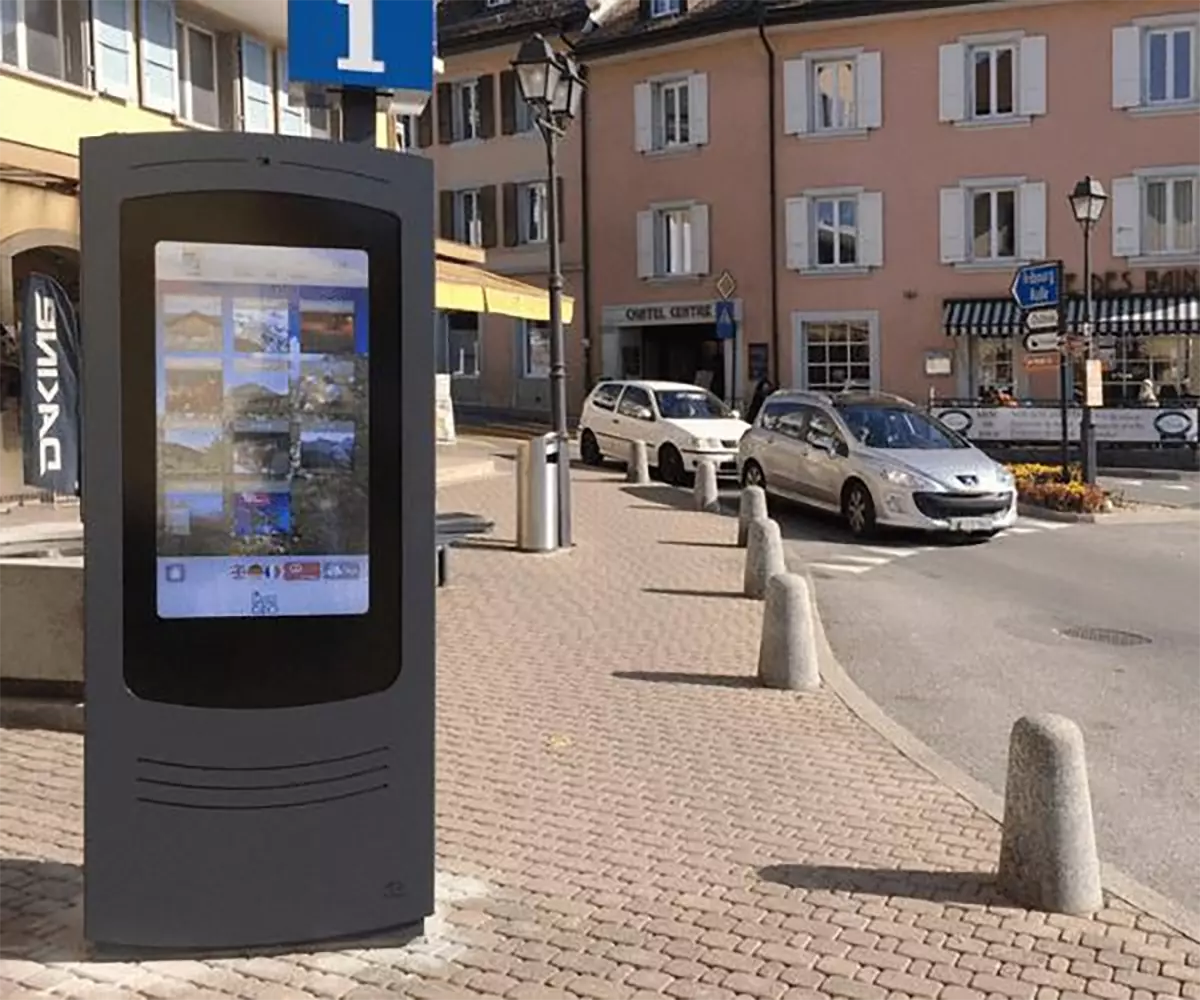
  • Interactive Billboard: Touch/motion sensors, AR, or social media integration for engagement.
  • Double‑Sided/Truss/Retrofit: For dual visibility, durable mounting, or upgrading old structures.

3. Key Benefits

  • Cost‑Effective: No printing/labor costs; one screen serves multiple advertisers.
  • Flexibility: Update content in hours; schedule by time/audience.
  • High Impact: Bright, dynamic visuals attract more attention than static signs.
  • Measurable ROI: OOH industry reports 497% average ROI for digital billboard campaigns.

4. Best Locations

Choose high‑traffic, high‑visibility spots aligned with your audience:

  • Highways/interchanges (commuter traffic)
  • City centers/tourist districts
  • Near train/bus stations
  • Commercial hubs, hotels, malls
  • School/office corridors (for student/professional audiences)

Location Criteria:

  • Clear line of sight (no obstructions)
  • High foot/motor traffic count
  • Audience demographics match your brand
  • Proximity to your business (for local campaigns)

5. Hardware & Software Requirements

Hardware

  • LED Display: Outdoor grade, P8–P16 pixel pitch, ≥2000 nits brightness, weatherproof (IP65).
  • Structure: Steel monopole/truss (engineered for wind load).
  • Media Player: 4K‑capable, CMS‑compatible (e.g., BrightSign, Novastar).
  • Power & Connectivity: Stable AC power, wired Ethernet/4G/5G for remote updates.

Software (CMS)

  • Content Scheduling: Playlists, time slots, dayparting.
  • Remote Management: Update, monitor, troubleshoot screens online.
  • Proof‑of‑Play: Logs for advertiser reporting.
  • Analytics: Impressions, engagement, audience insights.

6. Content Best Practices

  • Keep It Simple: 1 core message + 1 CTA; avoid clutter.
  • Text Size: 1 inch per 10 ft viewing distance (e.g., 10 ft tall text for 100 ft view).
  • Animation: Subtle motion guides focus; end frame hold ≥2 seconds.
  • Brightness: Auto‑adjust for day/night (2000+ nits day, 30–50% night).
  • Brand Consistency: Colors, logo, tone aligned with your identity.

7. Cost Breakdown (2026)

Ownership (Build Your Own)

  • LED Panel: $50,000–$300,000+ (size/pixel pitch).
  • Structure: $30,000–$80,000 (height/wind load).
  • Installation/Permits: $20,000–$50,000.
  • CMS/Player: $5,000–$20,000.
  • Total: $100,000–$500,000 (standard highway billboard).

Advertising (Rent Space)

  • $1,200–$15,000/month (location-dependent: highway > urban > suburban).

8. Legal & Permitting

  • Zoning Laws: Check local regulations for size, height, lighting, and placement.
  • Permits: Construction, electrical, sign, and occupancy permits.
  • Lease Agreements: Landowner contract (term, rent, maintenance, liability).
  • Compliance: ADA, FCC (for wireless), and local advertising rules.

9. Installation & Maintenance

Installation

  • Site survey & engineering (soil test, wind load).
  • Foundation pouring (concrete footings).
  • Structure erection (monopole/truss).
  • LED panel mounting & wiring.
  • Player/network setup & CMS configuration.
  • Testing (brightness, color, playback, remote update).

Maintenance

  • Daily: Check power, connectivity, and screen status.
  • Weekly: Clean panels, inspect cables, test brightness sensors.
  • Monthly: Update CMS firmware, check for dead pixels, review analytics.
  • Annual: Professional inspection, structural check, LED calibration.

10. ROI & Measurement

  • Impressions: Estimated views (traffic count × visibility factor).
  • Engagement: CTA clicks, QR scans, social mentions.
  • Conversion: Sales, leads, store visits attributed to the billboard.
  • Benchmark: Compare to industry average 497% ROI.

Final Tips for Success

  1. Start Small: Test 1–2 locations before scaling.
  2. Optimize Content: A/B test creatives; refresh monthly.
  3. Leverage Data: Use traffic/audience analytics to refine targeting.
  4. Partner Wisely: Choose experienced installers and reliable CMS providers.