What is the refresh rate of a LED screen?

Submitted by topadmin on 13 May 2025

When talking about the LED display parameter, a very important parameter refresh rate comes to my mind. If LED displays will not be shot by cameras, do we need a high refresh rate? The refresh rate is a parameter that shows how many times per second the image on your LED display changes. Guide to Refresh Rates of LED Displays

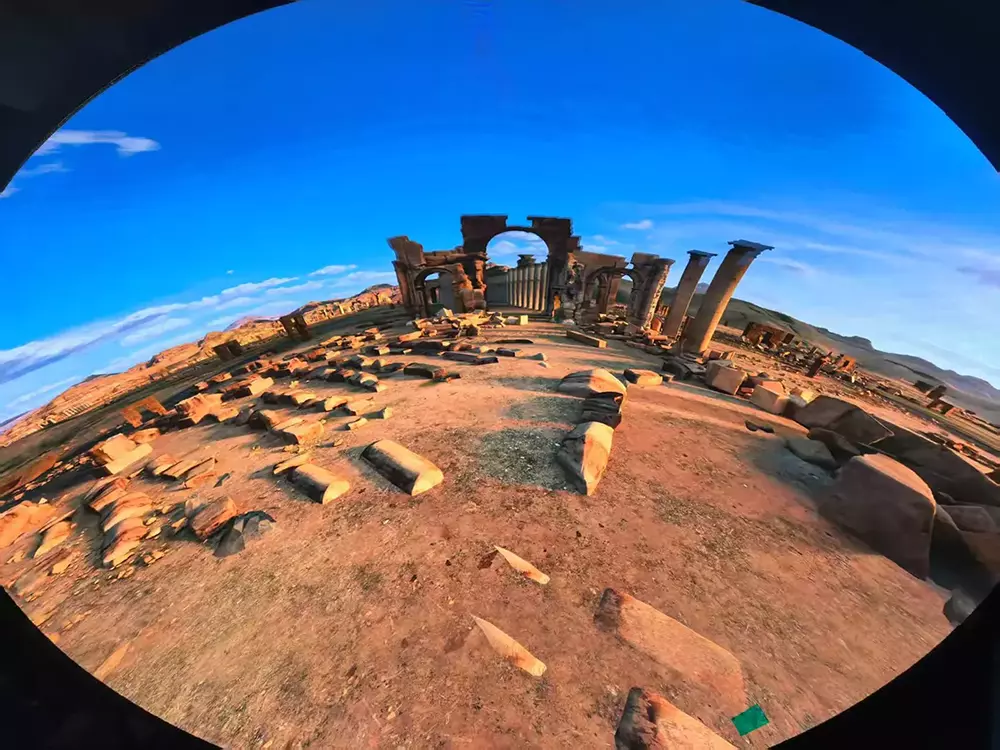
led dome screen system solutions

What is the refresh rate of a LED screen?

As Wikipedia explained, the refresh rate(most commonly the "vertical refresh rate", "vertical scan rate" for cathode ray tubes)is the number of times in a second that a display hardware updates its buffer. This is distinct from the measure of frame rate which means updating with new data. The refresh rate includes the repeated drawing of identical frames, while frame rate measures how often a video source can feed an entire frame of new data to a display.

The refresh rate of a LED screen is the number of times in a second that the LED screen hardware draws the data. This is distinct from the measure of frame rate in that the refresh rate for LED screens includes the repeated drawing of identical frames, while frame rate measures how often a video source can feed an entire frame of new data to a display.

The refresh rate stands for how many times per second redraws the image on the screen. It is measured in Hertz (the abbreviation of “Hz“). The more times the screen is refreshed, the smoother the images are in terms of motion rendering and flicker reduction.

Refresh rates are measured in Hz. For instance, a refresh rate of a LED screen 1920Hz means the image is refreshed 1920 times per second. The most common refresh rate of the latest LED screens are 1920 or 3840Hz. For refresh rate above 1920Hz, which adapts to most of the high-speed LED screens.

Refresh rate and frame rate are very similar. They both stands for the numbers of times a static image is displayed per second. But the difference is that the refresh rate stands for the video signal or display while the frame rate stands for the content itself.  

The importance of LED display refresh rate

The result of increasing the refresh rate is decreasing LED screen flickering

If increasing the refresh rate will cause decreasing flickering on LED screens. However, of a refresh rate is specified that is beyond what is recommended for the LED screen, it will cause damage to the display.

Normally our LED screens of Kingly LED Screens have a refresh rate of over 1920Hz, which is more than 38 times the refresh rate of a normal cathode television which is 50Hz (PAL and SECAM) or 60Hz (NTSC). For football stadiums (stadium LED screens and perimeter LED screens) our LED screens can reach a refresh rate of over 3840Hz, which means that they won’t show any flickering when recorded with a video camera and broadcasted live on television.

KINGLYLED's sports and arenas solution comes with a 3840Hz high refresh rate, perfect for TV broadcast, camera shooting. Capture sports action in real-time competition without missing a frame. A wide viewing angle and high contrast design ensure that each audience enjoys the best competition.

The refresh rate for LED Displays is around 400 Hz minimum. But around this value, video cameras can capture a flickering image on the LED Displays. For flicker-free images, the refresh rate should be over 1000 Hz. On the latest LED screens, depending on screen size and scanning type, refresh rates as high as 9000 Hz are easily achievable. High refresh rates may seem to be good, but for high refresh rates, an LED screen processor will have to spend more time to draw the frame to the screen, so overall brightness can decrease. For high refresh rates, the led screen hardware should be capable of high frequencies. If not, there may be unwanted lines or shadows on the image.


How does the refresh rate affect the visual effect of LED display products?

As stated above, the lower the refresh rate, the fewer images the LED display can play per second. For instance, if a high-speed action movie is gonna display on the LED display, a halt or crash will occur if for a regular refresh rate display system. If the refresh rate is lower than 2000Hz, flickering will occur on the camera.

Generally, common LED displays require a 1920Hz refresh rate. To display a high-speed action movie well, a LED display with more than 2550Hz refresh rate is a must.

How to increase the refresh rate?

Utilize high-end drive IC, which adopts high refresh rate model

Common ICN2153, MBI5252 can easily obtains 3840Hz but can’t get a great grayscale while MBI5153, ICNN2055 can get high refresh rate and better grayscale at the same time.

Generally, a DSLR camera utilizing a mechanical shutter to shot the screen and take pictures to check the real refresh rate. 1000/2000/3000/4000 shutter speed should be set to check if there are "black scan lines".

Applying a good software is very vital to the refresh rate

It’s necessary to get a good display control software, a better choice is Novastar or Brompton.

Take the parameter grayscale into consideration

If the fresh rate is too high, it will affect the LED’s lifespan. Usually, a range of 1920-3840Hz is desirable. If the LED display is not good enough, it can not stand the impact of the high refresh rate. A higher refresh rate comes with a high-quality LED. Or the LED will get damaged easily.

KINGLY LED displays range from 1920-3840Hz. We' re an expert in LED displays and expecting to cooperate with you in this field. Feel free to ask any questions and contact us today for wholesale quotes for other information.

Refresh rate vs frame rate

Refresh rate and frame rate are two independent but interrelated terms commonly used in the field of display technology. Frame rate and refresh rate represent different stages in the display process. The content source determines the frame rate, while the refresh rate is a characteristic of the display itself. However, they work together to provide a smooth and pleasing visual experience.

Refresh rate

The main purpose of refresh rate is to ensure that the monitor can keep up with changes in input content. It helps prevent image flickering and provides a seamless viewing experience by quickly refreshing the LED screen with new frames. A higher refresh rate can reduce motion blur, ghosting, and other visual artifacts, which are particularly noticeable in fast-moving scenes, watching sports events, or playing video games.

Frame rate

Frame rate represents the number of individual images or frames displayed per second in a video or animation. The frame rate determines the temporal resolution of the content and affects the smoothness of video motion.

The frame rate is determined during the content creation process. Movies, TV shows, and video games are typically produced at specific frame rates, such as 24fps, 30fps, or 60fps. When playing on a monitor, the frame rate of the content will affect the refresh rate of the monitor. In order to achieve the best viewing experience, the refresh rate of the monitor should be equal to or exceed the frame rate of the content to ensure smooth display of every frame without interruption or loss.

High refresh rate vs. low refresh rate

The choice between a high refresh rate or a low refresh rate depends on personal preferences and usage scenarios. Although a high refresh rate is very advantageous for gamers, sports enthusiasts, and users who pursue a smooth sports experience, in other cases, a lower refresh rate may be sufficient.

Please consider your specific needs and priorities to determine the best refresh rate that meets your desired visual experience.

High refresh rate

High refresh rate refers to a faster update speed of display content. Usually, the refresh rate is between 90Hz and 240Hz, and some advanced gaming monitors have even higher refresh rates. High refresh rate has multiple advantages, especially in scenes involving fast-paced visual effects, such as games, sports events, or dynamic movies.

Here are some characteristics of high refresh rate:

Enhanced visual fluency: fast-moving objects and scenes appear clearer and more distinct, thereby reducing motion blur and ghosting.

Eliminating visual artifacts: A high refresh rate helps eliminate visual artifacts such as screen tearing, which is caused by the mismatch between the refresh rate of the display and the frame rate of the content.

Low refresh rate

A low refresh rate (usually below 60Hz) means that the update speed of screen content is slower. Although lower refresh rates may be sufficient for specific applications, they also have some limitations that can affect the overall visual experience.

Please consider the following potential drawbacks of low refresh rates:

Reduced fluency: Low refresh rates can cause fast-moving objects and scenes to appear less fluid, resulting in stuttering of the image. Low refresh rates can lead to motion blur and visual discontinuity, especially in fast-moving scenes where these phenomena may be more pronounced.

Potential input latency: A lower refresh rate can cause an increase in input latency, resulting in a delay between your actions and the monitor's response.

Conclusion

When it comes to meeting your LED display needs,KINGLY LED is here to help. Our team of LED display professionals is dedicated to providing an excellent experience for our clients. We understand the headaches that can arise during equipment upgrades and prioritize our clients above all else. From the moment you interact with our team, you'll witness our commitment to building lasting relationships.

If you want to upgrade your LED display and install a wall, consider contacting Kingly LED. Our knowledgeable team will guide you through the process, ensuring your LED needs are met with expertise and care. Experience the Kingly LED difference and transform your space into a visually stunning and immersive environment.

Contact KINGLY LED : sales@kinglyled.com today to embark on your journey toward a LED display experience. 

Select a Country or Region